TL;DR
The increase in email account compromise (EAC) attacks highlights the importance of strong security practices like multi-factor authentication (MFA) and user awareness training. Proactive prevention and swift incident response are crucial for mitigating this threat.
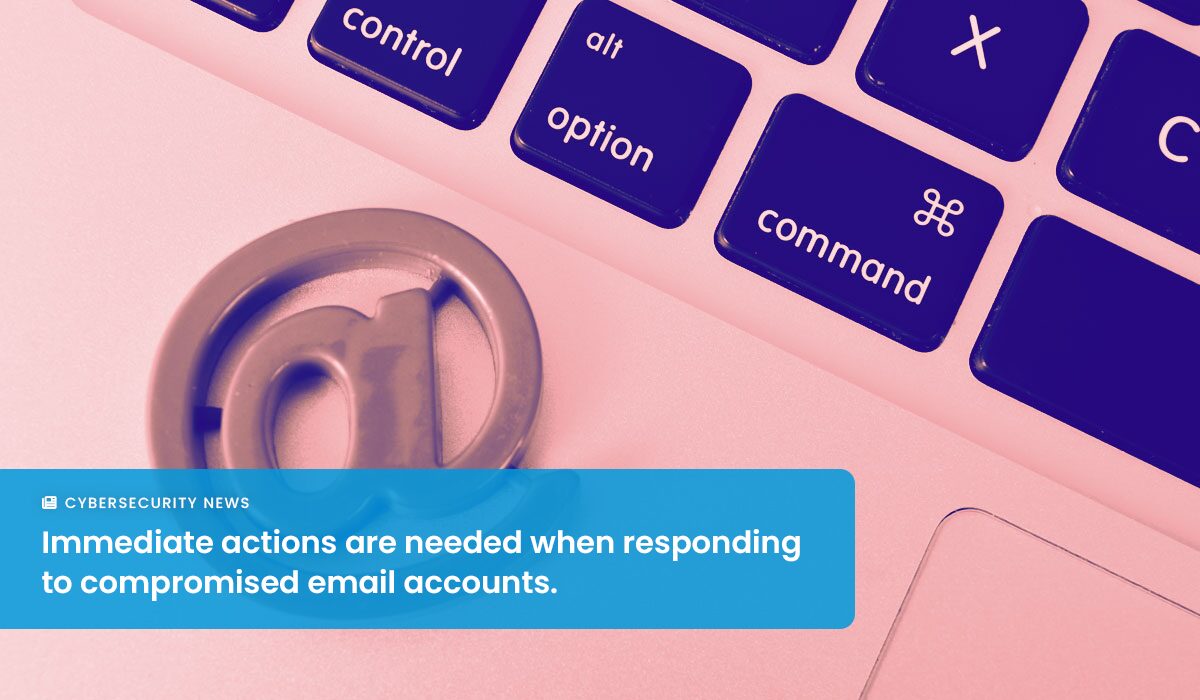
Email is an essential function for most businesses, but more often than not, it is a leading attack vector malicious parties use to compromise your environment. In the past month, ArmorPoint Cybersecurity Analysts noticed an uptick in the trend of Email Account Compromise attacks. Let’s dive in to what they observed and how to overcome these attacks.
What is Email Account Compromise?
Email Account Compromise (EAC) is a form of cyberattack where attackers gain unauthorized access to a business's email account. Unlike other forms of cyberattacks that aim to infiltrate an entire network, EAC targets the individual user's email account, making it a unique and particularly insidious threat. This type of attack can have severe consequences, ranging from financial loss to significant damage to a company’s reputation.
How is EAC Different from Business Email Compromise?
Both Business Email Compromise (BEC) and EAC exploit human vulnerabilities to achieve fraudulent objectives, but they differ in their methods. BEC involves impersonation, where attackers deceive victims by mimicking legitimate entities using tactics like domain spoofing or misleading email display names, usually to redirect financial transactions.
Ways Attackers Infiltrate Your Environment with EAC
One of the most frequent issues we see is customer's experiencing EAC is via Unauthorized Access to Office 365 accounts. This can happen a number of ways, but most commonly occurs through phishing and when users re-use passwords across different accounts.
- Phishing: The most common method used in EAC attacks is phishing. Attackers send seemingly legitimate emails that trick employees into providing their email credentials. These emails often contain links to fake login pages that capture the user's credentials.
- Password Misuse: Attackers often exploit the habit of password reuse across multiple accounts. When credentials from one service are compromised, they can be tested across other platforms, including Office 365 accounts.
- Malware: Another method involves the use of malware to infiltrate the user's computer. This can be done through email attachments or compromised websites. Once the malware is installed, it can capture keystrokes, including email passwords, or directly access the email account if the user remains logged in.
How Does EAC Work?
- Initial Reconnaissance: Attackers first identify their target – often a high-level executive or someone with financial authority within a business. They gather information about the individual, such as their role, contact details, and professional relationships.
- Infiltration: The attackers then use various techniques to gain access to the email account. This could be through phishing emails, exploiting security vulnerabilities, or using stolen login credentials obtained from other data breaches.
- Account Takeover: Once they have access, the attackers often monitor the account activity silently to understand business processes, identify financial transaction patterns, and plan their attack.
- Execution of Fraudulent Activities: The attackers may then use the compromised email account to perpetrate fraud. This could involve sending fake invoices, redirecting financial transactions, or initiating wire transfers to bank accounts they control.

Insights from the Field: Preventing ECA
In many cases Multi-Factor Authentication (MFA) can help to prevent the threat actor from successfully gaining access to the user's account, but this isn't always the case as persistent threat actors can use tactics like Session Cookie Theft to bypass MFA.
Administrators can use settings like Conditional Access to help prevent unauthorized access to user accounts and User Awareness Training will always be necessary to ensure that end users stay up-to-date on their knowledge of cyber threats.
However, the truth is… Unauthorized Access to a user's email access is very likely to happen to all organizations at one time or another.
What Should Administrators Do in Response to a Compromised Email Account?
When an email account is compromised, immediate action is crucial. The initial step involves locking down the account, which includes resetting the user's password, blocking the account from sending/receiving emails, or disabling it entirely. It's important to note that stored logon sessions can persist up to 24 hours even after a password change, so it's essential to ensure that the user is signed out of all active sessions and saved devices are removed.
After securing the account, administrators should review email sorting and forwarding rules. Attackers often set up these rules to hide their activities and continue monitoring email communications without direct account access. Removing any unwanted sorting and forwarding rules is a critical step in regaining control.
Lastly, a thorough review of the account's activity is necessary. Attackers commonly intercept communications, particularly financial conversations, to redirect funds to their accounts. Administrators should check Deleted and Sent Items for unfamiliar conversations and alert relevant contacts about any fraudulent communication.
More information on responding to Email Account Compromise can be found in this Microsoft resource.
How to Stay Protected Against EAC
- Strong Authentication Practices: Implementing and reinforcing MFA, understanding its limitations, and employing advanced authentication methods.
- User Awareness Training: Regular training sessions for employees to recognize phishing attempts and the importance of not reusing passwords.
- Advanced Email Security Solutions: Utilize solutions with features like intrusion prevention systems, spam filters, and malware detection.
- Conditional Access Settings: Implement settings that restrict account access under specific conditions to prevent unauthorized access.
- Incident Response Planning: Develop a robust plan for quick and effective response in case of a compromise.
- Regular Monitoring and Auditing: Continuously monitor and audit email account activities to detect any suspicious behavior early.
In conclusion, understanding and preparing for Email Account Compromise is crucial in today's digital business environment. By combining proactive prevention strategies, immediate response actions, and continuous user education, businesses can significantly mitigate the risk of EAC and protect the integrity of their digital communications and operations.
About ArmorPoint
ArmorPoint, LLC is a managed cybersecurity solution that combines the three pillars of a robust cybersecurity program — people, processes, and technology — into a single solution. Designed by cybersecurity experts, ArmorPoint’s cloud-hosted SIEM technology and extended detection and response capabilities enable businesses to implement a highly-effective, scalable cybersecurity program. With customizable pricing available, every ArmorPoint plan offers a dynamic level of managed security services that support the risk management initiatives of all companies, regardless of available budget, talent, or time. ArmorPoint is developed and powered by Trapp Technology, Inc., a Phoenix-based IT managed services provider. To learn more about ArmorPoint, visit armorpoint.com.